Description
What This Converter Does
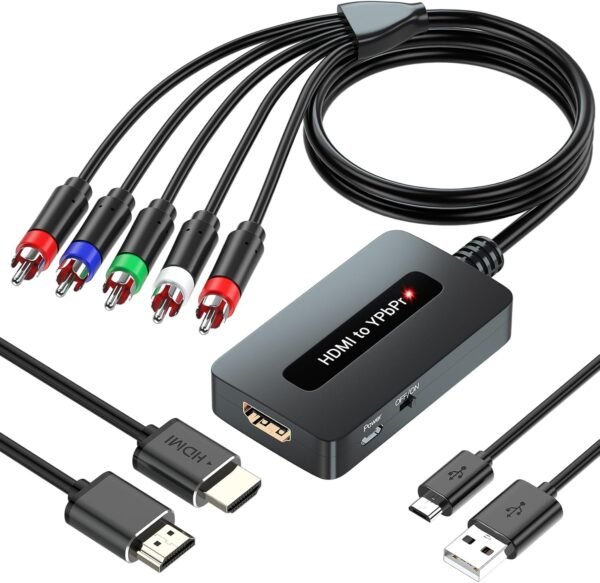
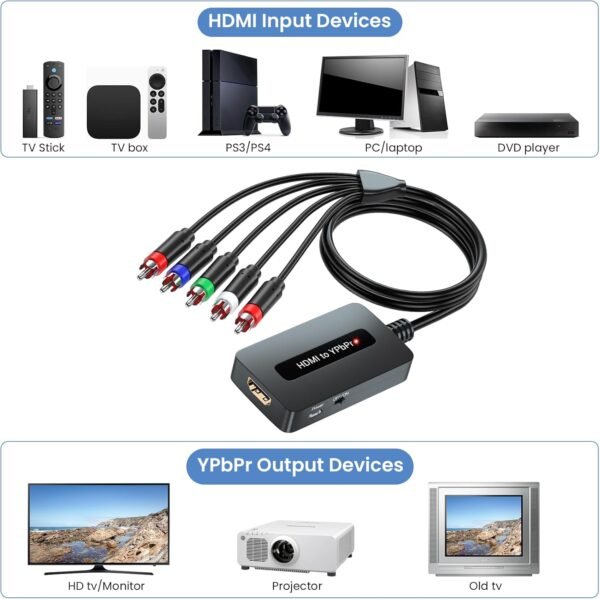
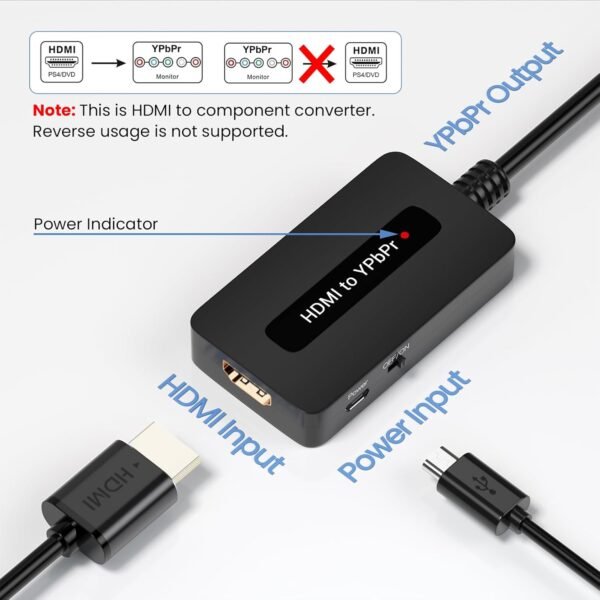
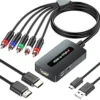
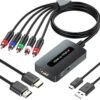
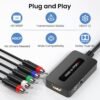
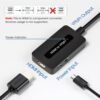
This is a small adapter box that takes an HDMI signal in and produces analog component video out, in the three connector YPbPr format, along with separate left and right analog audio. It exists to connect a modern HDMI source to an older television that has component inputs but no HDMI.
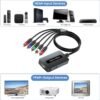
The problem it solves is real and increasingly common. Televisions from the mid 2000s often have component inputs and no HDMI, and they can still work perfectly well as secondary sets. Meanwhile, every current source device outputs HDMI. The listing names typical sources: DVD players, set top boxes, games consoles, a PC and a streaming stick.
The listing records a package size of 6.46 by 4.57 by 1.65 inches, a weight of 3.35 ounces, a manufacturer of Meng Meng, a model number recorded simply as “Generic,” USB 5 volt power and a stated 1 year warranty. The record shows 16 customer ratings averaging 3.3 stars at the time this data was captured.
Three Limitations You Must Understand First
The manufacturer states three constraints directly, at the top of its own description, and they matter more than any feature.
It Is One Way Only
The device converts HDMI to YPbPr. It does not convert YPbPr to HDMI. If your problem is an old component source and a modern HDMI television, this is the wrong product entirely and no setting will change that.
There Is No Scaling
This is the constraint most likely to catch people out. The manufacturer states it twice: the component output resolution is the same as the HDMI input resolution, and your television’s resolution must be equal to or greater than the incoming signal, otherwise it will not work. A source outputting 1080p into a television that only handles 480i over component will produce nothing. The fix is to set the source device’s output resolution down to something the television accepts, which means the source must allow that setting.
Connector Order Matters
The manufacturer notes that the component connectors must be matched by color: green, blue and red for video, red and white for audio. Getting the video trio wrong produces a picture with wildly wrong colors rather than no picture, which is a confusing symptom if you do not know to check.
Supported Resolutions and Power
The stated HDMI input support is 480i, 480p, 576i, 576p, 720p, 1080i and 1080p. That covers both North American and European standard and high definition formats, which is why 576 line modes appear alongside 480 line ones. Four thousand pixel formats are explicitly not supported, and the title says so.
Power comes from USB at 5 volts. The listing does not state whether a USB cable or power adapter is included, only that the package contains the converter and a user manual, so plan on supplying a USB power source.
A Caution the Listing Does Not Address
One question a buyer should ask, and this listing never answers, is how the device behaves with copy protected sources. HDMI carries a content protection system, and analog outputs handle protected content differently from digital ones. Converters of this general type frequently cannot pass protected content from services and disc players, and the result is a blank or error screen rather than a picture.
Nothing in this listing states whether protected content is supported. That is not a claim that this device fails, it is a statement that the record does not say. Anyone buying specifically to feed a protected source into an older television should ask the seller directly before purchasing, because it is the most common reason this class of product gets returned.
Highlights
- Connects an HDMI source to an older television with component inputs.
- Carries analog left and right audio alongside the video, so no separate audio path is needed.
- Supports the full range of standard and high definition modes up to 1080p.
- Handles both 480 line and 576 line formats.
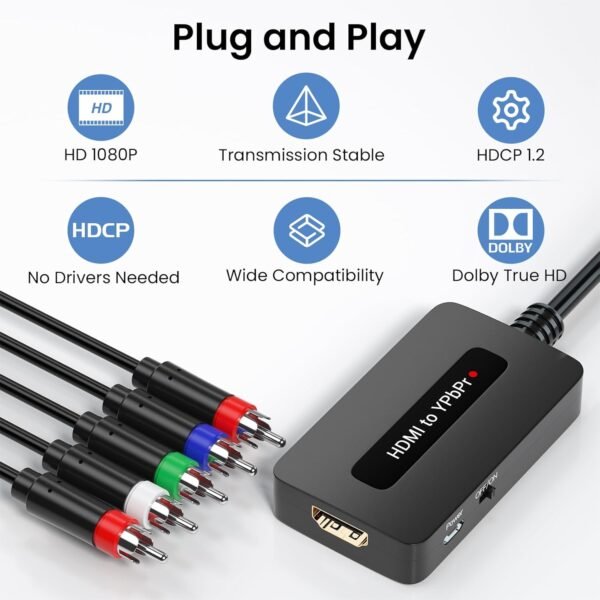
- Plug and play with no drivers required.
- USB 5 volt powered, so no separate mains adapter is required.
- Very light and small enough to sit behind a television.
- A stated 1 year warranty.
Things To Consider
- No scaling. The output resolution equals the input resolution. Set the source device down to a mode the television accepts.
- One direction only. HDMI to component, never component to HDMI.
- No 4K support. Stated in the product title.
- The dimensions in the description are wrong. They read 920 millimetres deep by 40 wide by 14 high. Nine hundred and twenty millimetres is over three feet, which is not a converter box. The figure is most plausibly 92 millimetres with a misplaced decimal point.
- Content protection behavior is not stated. Ask before buying if your source is a protected service or disc player.
- The model number field just says “Generic.” There is no meaningful product identifier here, which makes support, replacement and warranty claims harder.
- The feature bullets carry formatting artifacts from the original listing, appearing as stray bracket characters around each heading.
- 3.3 stars across 16 ratings. That is a low score on a very small sample, and it is the most concerning number on the page.
- Component video is a declining standard. This is a bridge to older equipment rather than a long term investment.
Who Should Buy It and Who Should Skip It
Buy this if you have a specific older television with component inputs, a specific HDMI source whose output resolution you can set manually, and content that is not copy protected. In that narrow case it does a job nothing else does, and it avoids replacing a working television.
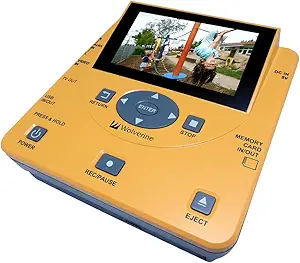
Skip it if any of those conditions are uncertain. Skip it also if the low rating and the anonymous manufacturer concern you, which would be reasonable. The Wolverine TransMedia converter handles a different conversion job, and for an older television the simpler answer is often to add a modern streaming source over its existing inputs, as covered in the Roku 2 XD review. Buyers who conclude that replacing the set is the better answer should read the TCL 32S327 and the Vizio D32f-F1, and the video converter category lists the other conversion options tracked here.